Nelsar.Axia — open-source web console and REST API for Active Directory and LDAP
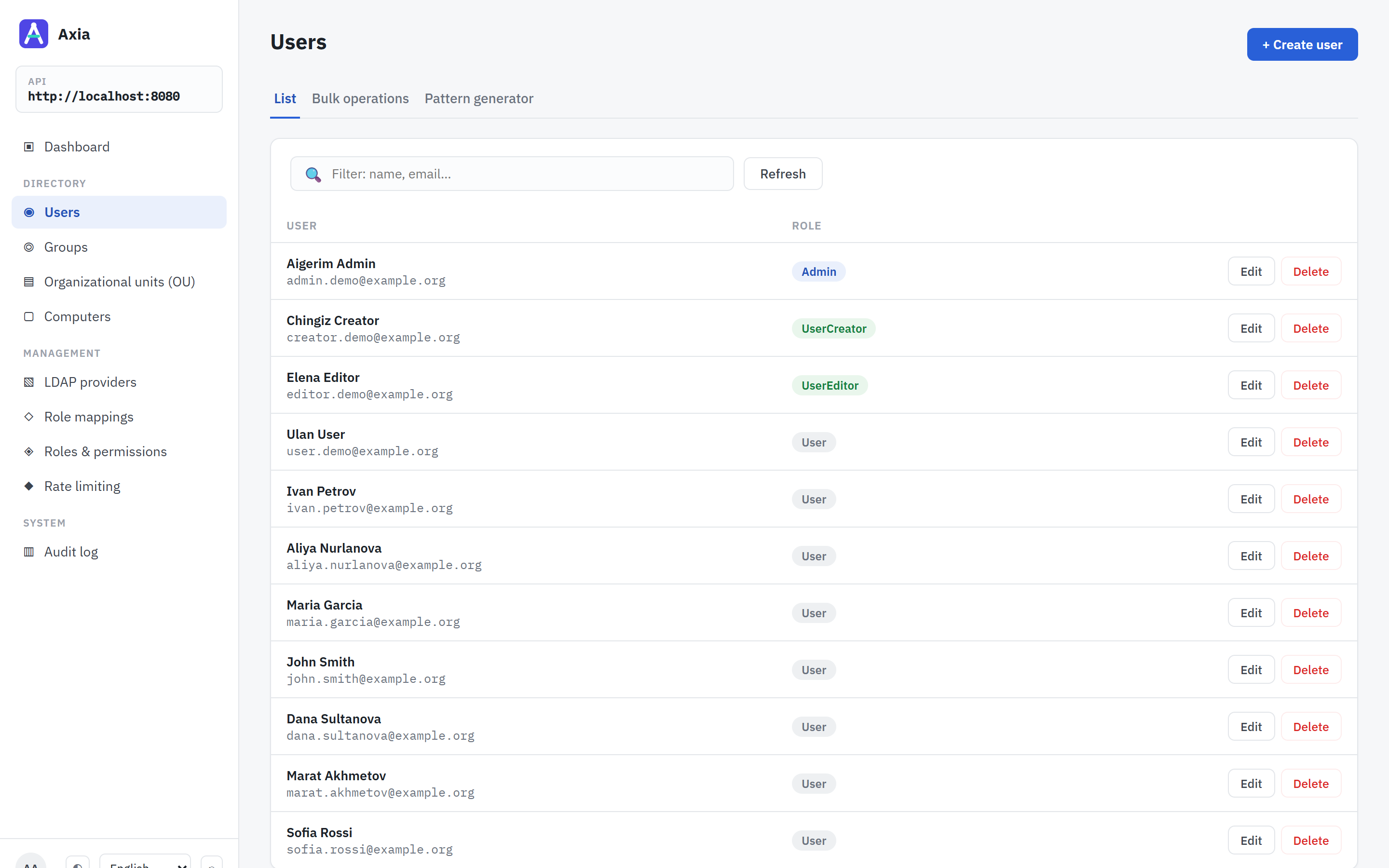
Nelsar.Axia is a self-hosted web interface and REST API for managing Active Directory, OpenLDAP and other LDAP directories from the browser: users, groups, organizational units (OUs) and computer accounts, across several directories from one instance — with role-based access, an audit log and bulk user provisioning.
Built on .NET 10 (ASP.NET Core) with a React/TypeScript console. Licensed under Apache 2.0.
Try it in five minutes Read the documentation Source on GitHub
Who it is for
- IT administrators who want to hand routine directory work — creating accounts, resetting attributes, adding people to groups — to helpdesk or HR staff through a browser, without giving them RSAT, a domain-joined Windows machine or a direct LDAP client.
- Teams running OpenLDAP or a mix of AD and LDAP who want one console and one API for all of their directories.
- Developers automating identity lifecycle — onboarding, offboarding, bulk account creation — who would rather call a documented REST API (OpenAPI/Swagger) than script LDAP by hand.
What it does
- Users — search, read, create, update, delete; raw directory attributes on demand; bulk operations; a pattern generator for bulk account names with transliteration and LDAP conflict preview. See Features.
- Groups, organizational units, computer accounts — full CRUD against the directory tree.
- Several directories at once — Active Directory and OpenLDAP side by side, over LDAPS or StartTLS, with failover hosts. See Directories.
- Role mappings — directory groups map to application roles, globally or per directory, and nobody may act on an account that can do more than they can. See Access control.
- Audit log — every sign-in, and every attempt to change a directory or the application’s settings, permitted or refused, with who made it.
- REST API — everything the console does, documented and versioned. See REST API.
- Nine interface languages, including Arabic and Hebrew with a mirrored layout.
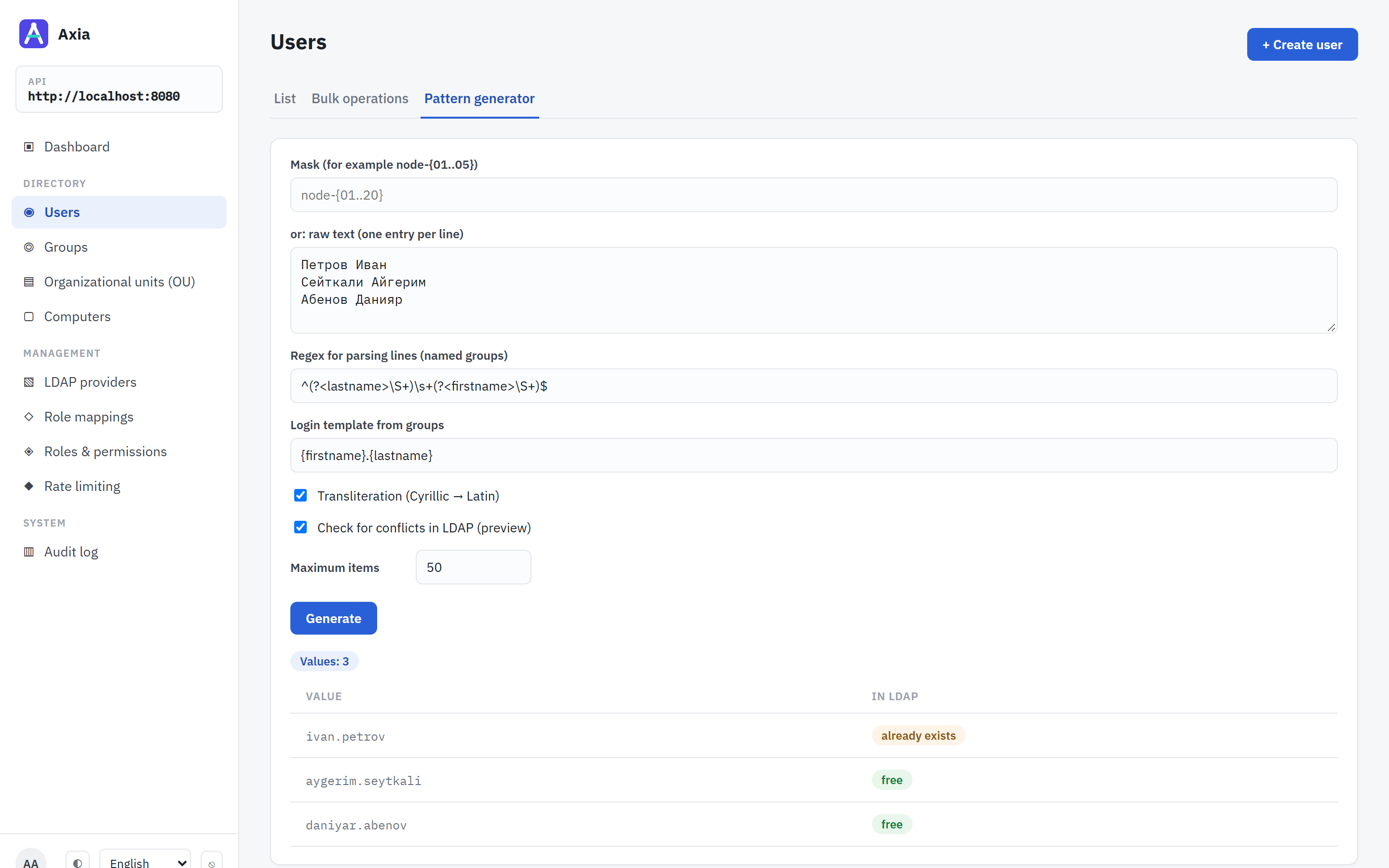 | 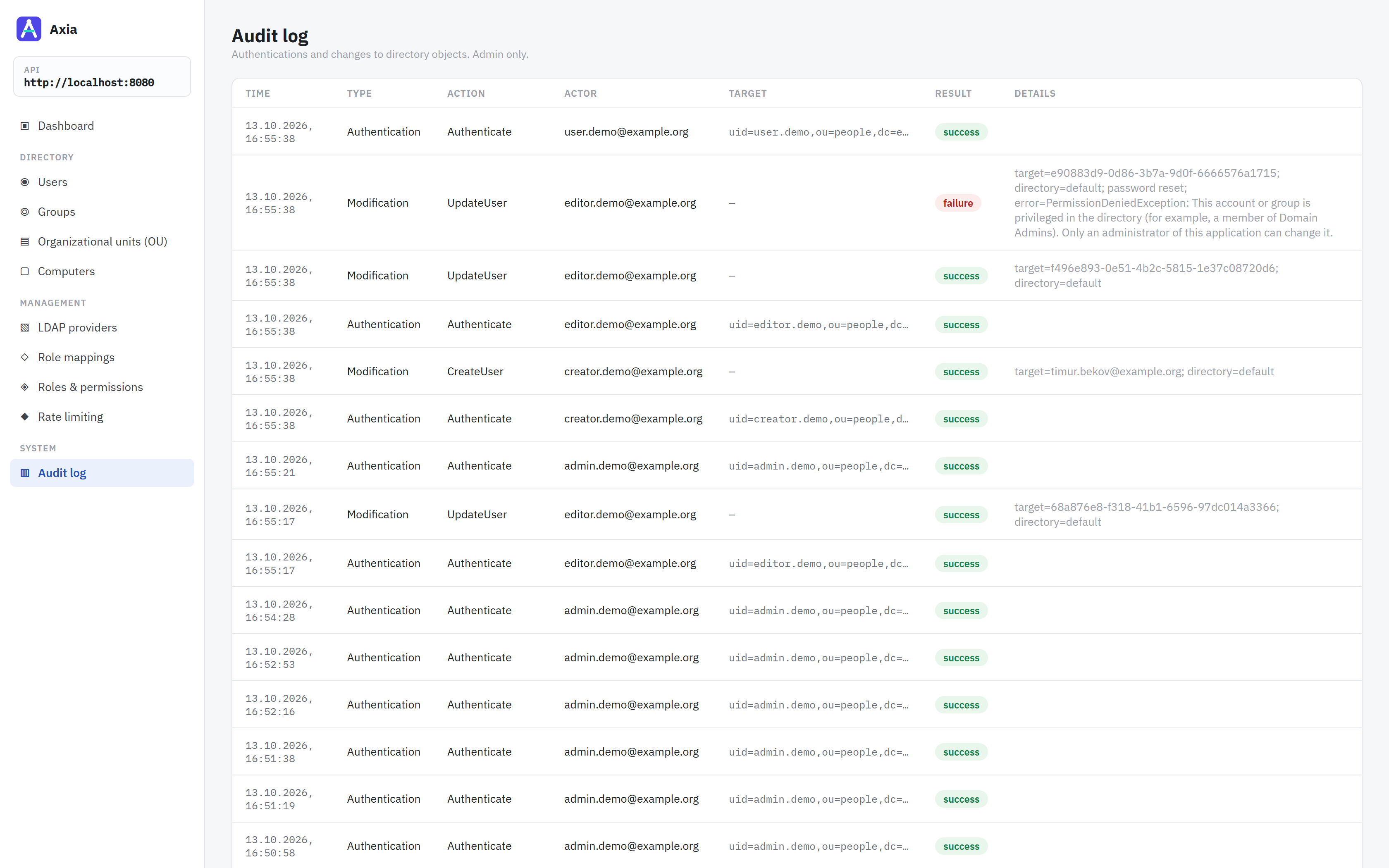 |
| Pattern generator — names transliterated into logins, each checked against the directory. | Audit log — changes and refused attempts, with who made them. |
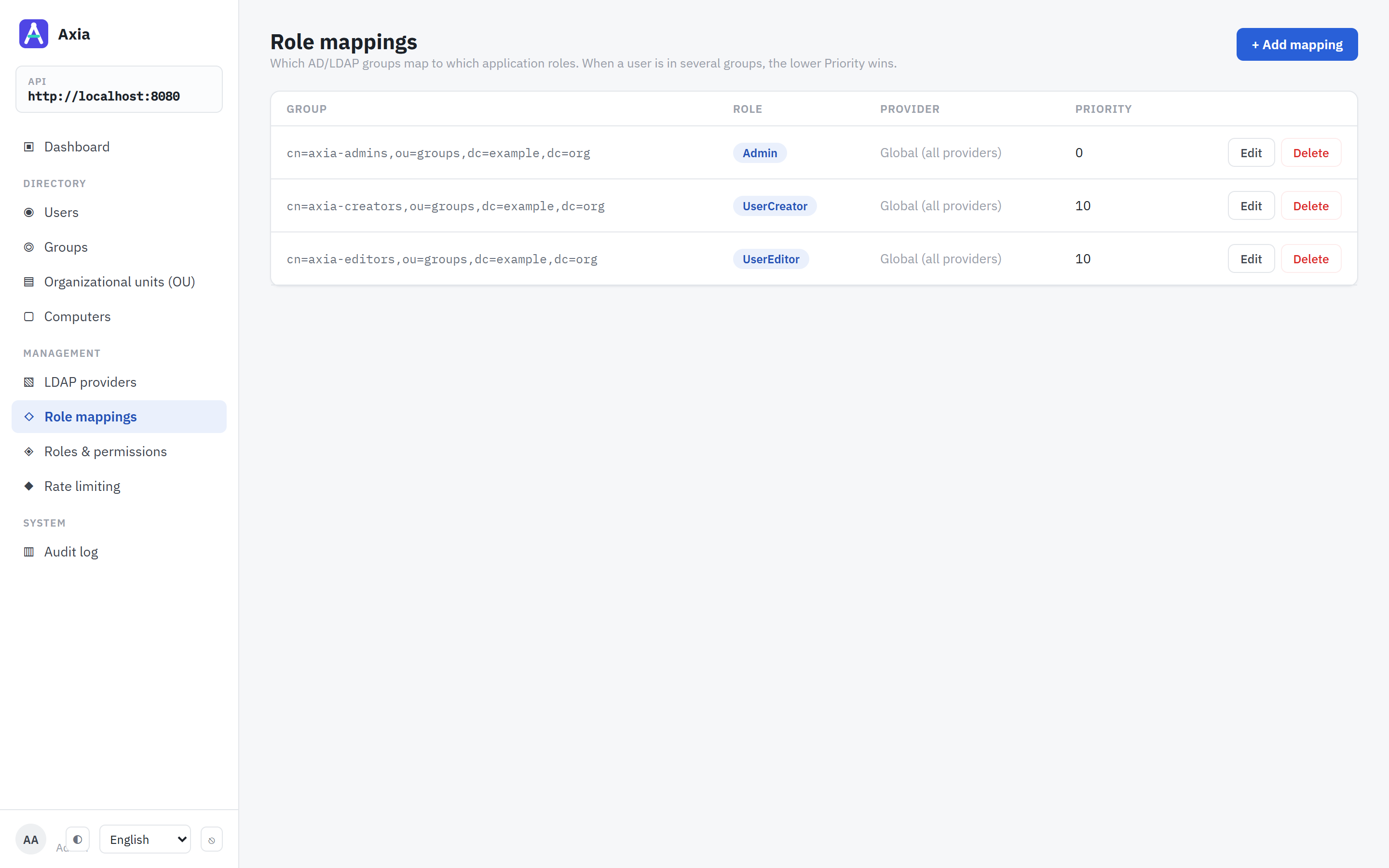 | 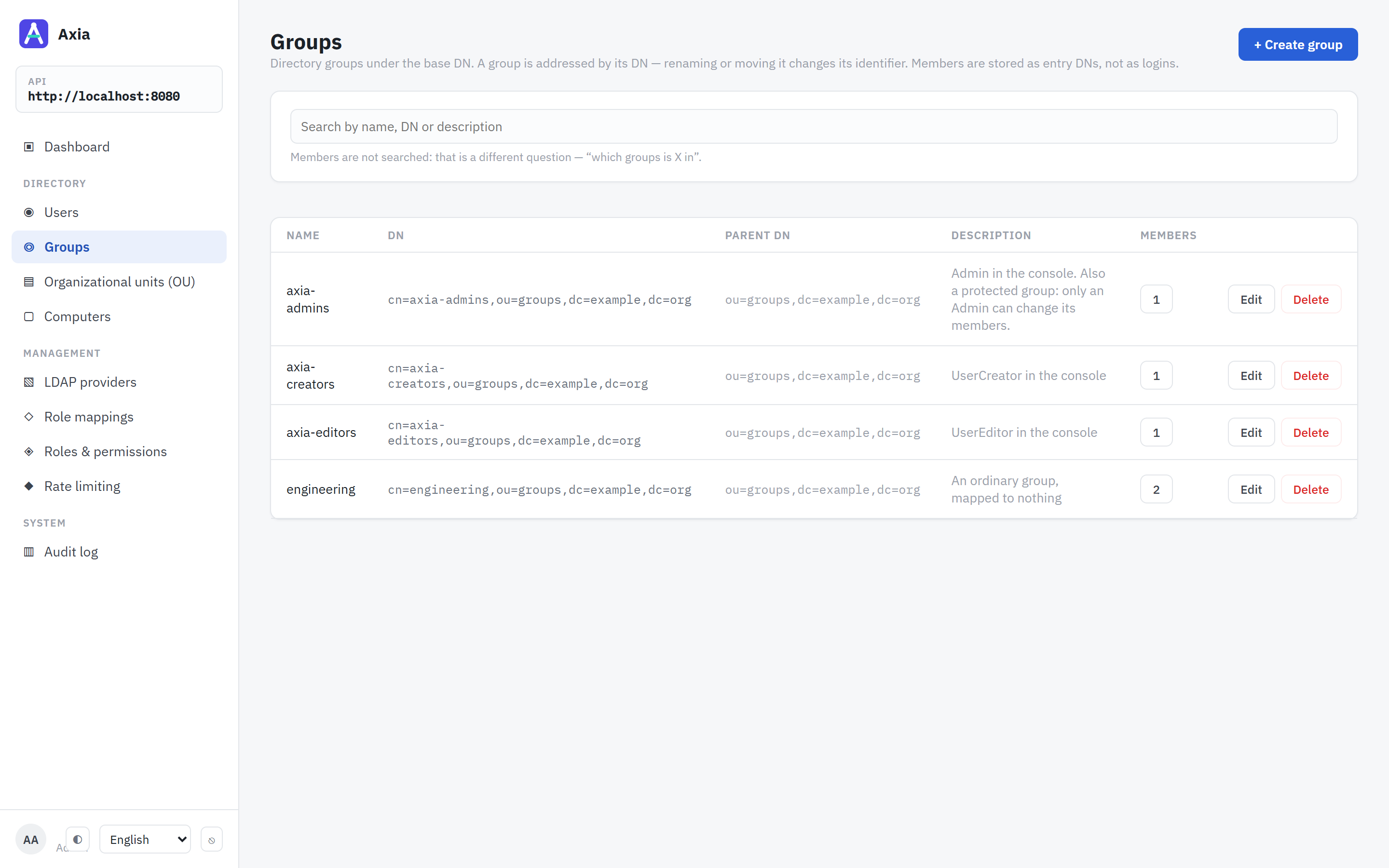 |
| Role mappings — which directory group grants which role. | Groups — the directory’s groups and their members. |
How it compares
| Nelsar.Axia | ADUC / RSAT | phpLDAPadmin | Apache Directory Studio | |
|---|---|---|---|---|
| Runs in a browser | yes | no — Windows desktop | yes | no — desktop |
| REST API for automation | yes | no (PowerShell) | no | no |
| Active Directory and OpenLDAP | both | AD only | both | both |
| Several directories in one instance | yes | one domain at a time | yes | yes |
| Permissions mapped from directory groups | yes | AD delegation | no — the bind account’s rights | no |
| Audit log of changes | yes | Windows event log | no | no |
| Bulk creation with name patterns | yes | no — csvde or PowerShell | LDIF import | LDIF import |
| LDAPS / StartTLS to the directory | yes — LDAPS by default | yes | yes | yes |
Try it in five minutes
The API, the console and an OpenLDAP with demo accounts, in Docker. It needs Docker with Compose v2 and nothing else.
git clone https://github.com/Nelsar/Axia.git
cd Axia
docker compose up
It pulls the released images, for amd64 and arm64. When the API logs Now listening on, open http://localhost:8080 and sign in as admin.demo with the password Axia-Demo-1. The other demo accounts, and the two ways to run it against your own directory, are in Installation. Before putting it in front of real users, read Production deployment and the known limitations.